HomeBlogGrok Bot as a Data Scientist? How AI Agents Could Reduce the Business Analytics Queue
AI Agents
Grok Bot as a Data Scientist? How AI Agents Could Reduce the Business Analytics Queue
Asim Ansari
November 27, 2026
26 min read
See how Grok Bot's Data Bot answers routine analytics questions, what it means for analyst queues, and the data governance needed before deployment.
Quick Answer: AI Analytics Agents in Practice
Can an AI analytics agent clear your data team's routine request queue? Yes - by translating natural language into governed queries, applying documented metric definitions, and returning traceable charts and summaries:
1Natural-Language Querying
Product, marketing, and sales teams ask plain-English questions via Slack or Teams without waiting on SQL tickets.
2Documented Metric Skills
Data teams encode approved KPI formulas, source views, and confounder checks directly into shared agent skills.
3Queue Redistribution
SpaceXSI reported its Grok Bot Data Bot handled an estimated 70 hours of routine work in one week, freeing analysts for complex modeling.
4Governance Over Chat
Production safety depends on read-only curated views, row-level permissions, query validation, and clear human escalation.
Core Takeaway: SpaceXSI's 70-hour figure is a first-party company estimate, not an independent benchmark, and it does not mean AI replaces data scientists. Instead, AI handles the repeatable first pass while humans define, govern, and review the analytical system.
How to launch a safe, read-only pilot and measure real operational ROI.
Business teams almost always have more questions than their analytics teams can answer immediately.
A product manager wants to know why feature adoption shifted this week. Marketing needs to connect a campaign cohort to downstream product activation. A sales leader needs to see which regional segment slipped against target. The answer usually exists inside the data warehouse, yet retrieving it accurately requires the exact metric definition, joins, filters, and business context.
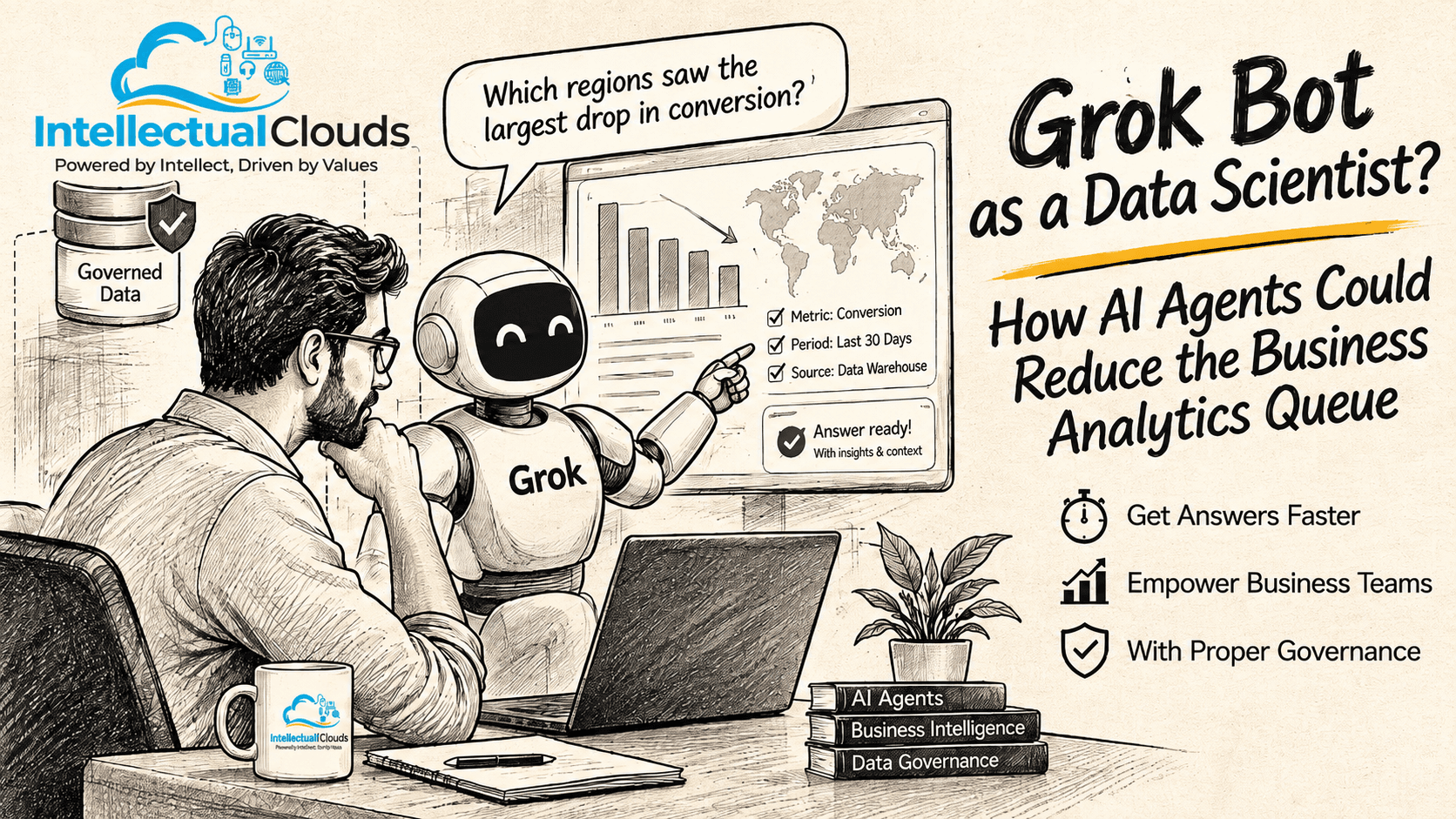
SpaceXSI's Grok Bot Data Bot case study highlights a practical shift in how organizations handle this bottleneck: instead of forcing every request through a manual ticket queue, make a data team's documented expertise available through a shared AI agent.
The core principle is not "AI replaces the data team." It is that AI handles more of the repeatable first pass, while humans define, govern, and review the analytical system.
What is Grok Bot Data Bot?
Data Bot is SpaceXSI's internal Team Bot, built inside Grok Bot and trained directly by its data science team. According to the company, employees can ask natural-language questions, have the bot query the company warehouse, run structured analysis, and deliver outputs in a preferred chart or summary format.
Crucially, the data science team maintains shared skills that codify:
Official company metric definitions
Approved source tables and semantic views
Standard query logic and exclusion rules
Charting and formatting conventions
Investigative steps for diagnosing metric shifts
This organizational context is what separates a production analytics agent from a generic chatbot. A general-purpose LLM knows SQL syntax, but it cannot safely guess what "active customer," "qualified pipeline," or "net conversion" means inside your specific business. Reliable self-service requires both approved data access and documented analytical conventions.
SpaceXSI describes Data Bot supporting product managers, marketers, and revenue teams - exploring product usage, tracking post-click campaign behavior, measuring event impact on pipeline, and posting recurring updates directly inside Slack.
What the Reported 70 Hours Does, and Does Not, Tell Us
SpaceXSI estimated that Data Bot handled roughly 70 hours of work in a single week that would otherwise have landed in its data science team's queue. While that is a compelling operational signal, product and data leaders should interpret it with precision:
What the Source Says
What Readers Should Infer
The estimate comes from SpaceXSI's own data science team.
Treat it as a first-party company report, not an independently audited benchmark.
It describes one recent operational week.
A single-week snapshot is not, by itself, proof of long-term ROI or sustained productivity.
The Bot answered questions and supported analysis workflows.
Human specialists still maintain the shared skills, metric definitions, data models, and access controls.
SpaceXSI states its team still handles complex analyses requiring judgment.
This illustrates work redistribution - moving routine lookups off the queue - rather than eliminating human analysts.
The public case study does not disclose a controlled A/B baseline, calculation methodology, error rate, or rework audit for that 70-hour estimate. Every organization should benchmark its own baseline answer accuracy, analyst review time, and compute cost before projecting savings.
How an AI Analytics Agent Works End-to-End
A trustworthy business intelligence agent is much more than an LLM prompt wired directly to a production database. In an enterprise-grade setup, every natural-language request moves through a deterministic, governed pipeline:
The 6-Step Governed AI Analytics Workflow
01
Question Intake
An employee asks a specific question, e.g., "Which regions had the largest week-over-week drop in trial-to-paid conversion?"
02
Term & Metric Resolution
The agent checks documented definitions for "conversion," fiscal calendar windows, regional dimensions, and test-account exclusions.
03
Curated Source Mapping
The request is routed strictly to governed semantic views or data marts, never to raw, unrestricted production tables.
04
Query Validation & Guardrails
Before execution, the layer enforces user permissions, read-only syntax checks, row caps, and warehouse timeout limits.
05
Traceable Response
The answer returns with charts or summaries alongside exact date ranges, filters, metric formulas, data freshness, and source citations.
06
Follow-Up or Escalation
If data is stale, definitions conflict, or causal judgment is needed, the agent flags the uncertainty and escalates to a human analyst.
In SpaceXSI's setup, shared skills also prompt Data Bot to check potential confounders - such as holidays or telemetry logging changes - before attributing a metric shift to a product release. Encoding a repeatable analytical method prevents the model from improvising flawed logic on every prompt.
Which Analytics Questions Are Good Candidates?
Not every data request belongs in an automated workflow. The strongest initial candidates are frequent, well-bounded questions anchored to existing, documented metrics.
Good Starting Points (Agent-Ready)
Summarizing a tracked KPI by approved date range, region, channel, or segment.
Decomposing which customer cohorts contributed most to a recent metric shift.
Pulling campaign performance using a standardized attribution model.
Generating first-draft charts or recurring operational Slack summaries.
Answering questions backed by existing queries that non-analysts struggle to navigate.
Helping employees locate the official metric definition, dashboard, or data owner.
Keep a Human Analyst Involved
Defining a brand-new company KPI or altering an existing metric formula.
Making causal business claims from messy observational data.
Financial, regulatory, compliance, board, or investor-grade reporting.
Evaluating A/B experiments where sample size, bias, and statistical power matter.
Investigations involving conflicting tables, broken event tracking, or unclear lineage.
Consequential decisions affecting pricing, headcount, or customer accounts.
An AI agent can gather supporting evidence for complex problems, but fluent prose must never disguise an uncertain correlation as a definitive business recommendation.
What Changes for the Data Team?
Traditional self-service dashboards never fully eliminated the analytics queue because employees still had to find the right dashboard, interpret filters, and diagnose anomalies. Conversational agents lower that friction, shifting the data team's day-to-day focus:
Routine retrieval moves closer to the requester: Business users get fast initial answers without filing a ticket for a standard query.
Analysts focus on system quality: Semantic models, documented metric definitions, evaluation test suites, and guardrails become high-leverage engineering assets.
Total question volume may rise: Lower friction encourages curiosity, which surfaces valuable insights but can also increase exploratory compute costs.
Tribal knowledge becomes operational code: Undocumented analytical habits must be written down explicitly so the shared agent applies them consistently.
Rather than disappearing, the analyst's role evolves toward data modeling, governance, experiment design, verification, and high-judgment strategic investigation.
The Governance Layer Matters More Than the Chat Interface
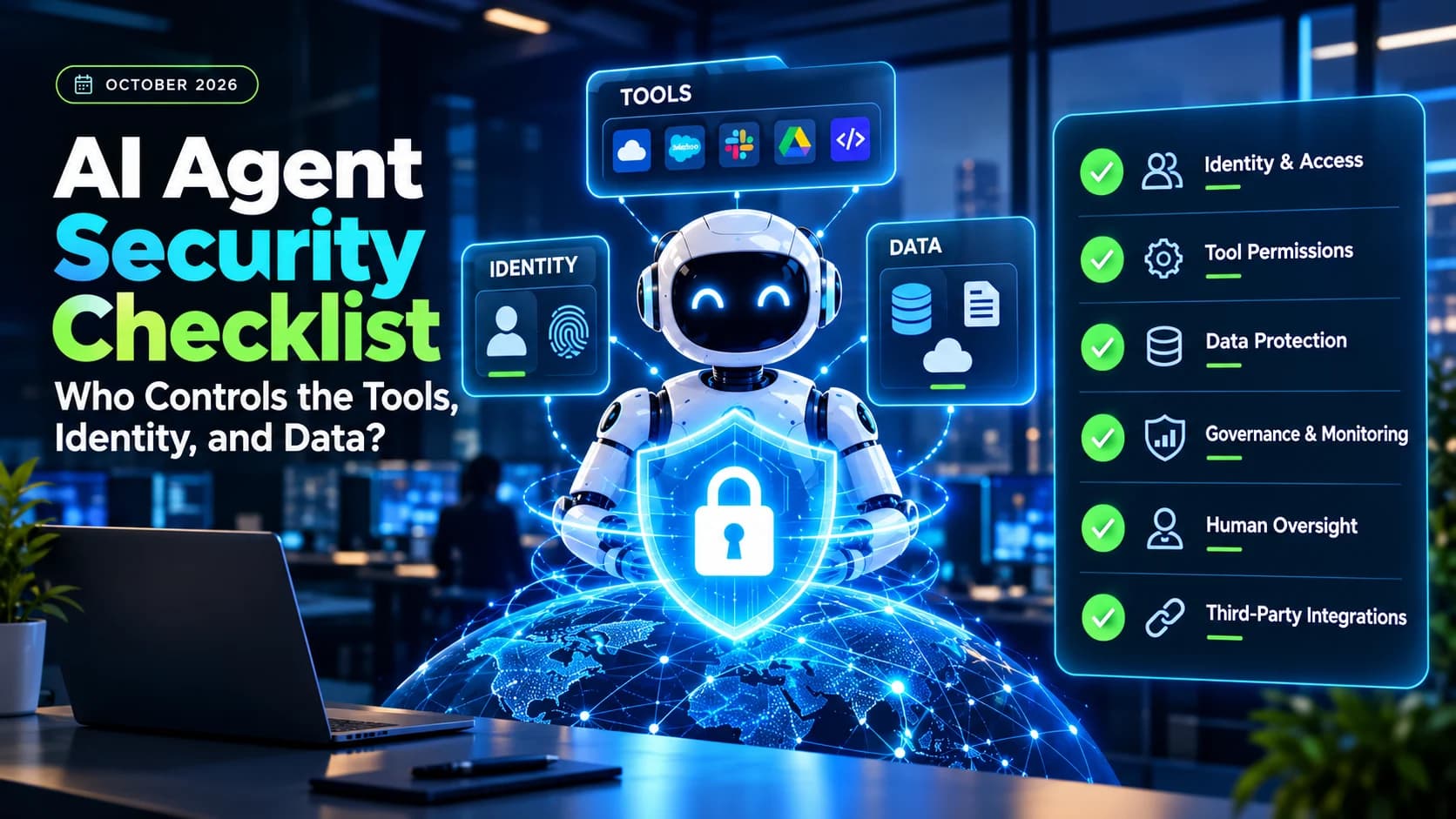
Connecting an AI agent to enterprise data introduces real security, privacy, and reliability risks. For a deeper technical checklist on securing agent tools and identity boundaries, review our guide on AI Agent Security: Tools, Identity, and Data Controls. Before connecting any analytics bot to production warehouses, enforce six foundational controls:
01
Preserve Identity & Permissions
Never let an agent silently become an unrestricted super-user. Map warehouse access to the individual requester or a strictly scoped service role, and test row-level and column-level security. Note that xAI's Team Bots documentation warns shared connectors can allow users to act through the shared account - only connect accounts with appropriate permissions.
02
Expose Curated, Read-Only Data First
Start with governed semantic views, certified data marts, or unified customer profiles like Salesforce Data Cloud. Keep write access disabled during pilots and exclude PII or sensitive financial tables unless explicitly authorized.
03
Make Every Answer Traceable
Every output should display the metric definition, date window, active filters, data freshness timestamp, and source view (or underlying SQL link). Users need a clear path to inspect and challenge numbers.
04
Validate Queries Before Execution
Enforce SQL AST validation, execution timeouts, row limits, cost caps, and allow-listed schemas. A natural-language interface must never bypass warehouse guardrails that apply to human analysts.
05
Test Quality with Real Evaluation Sets
Build a benchmark from historical analytics requests - including ambiguous and edge-case prompts. Track correctness against analyst-verified answers, unsupported claims, latency, cost, and user rework rates.
06
Keep Human Escalation Frictionless
When definitions conflict, tables are stale, or a user asks for a high-stakes causal conclusion, the agent should explicitly state its uncertainty and route the ticket to the right analyst.
A Practical 5-Phase Rollout Plan for Companies
Avoid connecting an AI agent to your entire data lake on day one. Roll out the capability incrementally with measurable checkpoints:
01
Audit the Queue for Repeatable Work
Phase 1: Discovery
Review the last 60 to 90 days of Slack questions and Jira analytics tickets. Group them by frequency, effort, clarity, and risk. Select one or two high-frequency questions backed by stable, well-understood metrics.
Tangible Output:A shortlist of 1-2 low-risk, high-frequency pilot use cases.
02
Document the Data Contract
Phase 2: Semantics
Write explicit documentation for each target metric: SQL logic, allowed dimensions, exclusions, source views, timezone rules, refresh cadence, known caveats, and a designated data owner.
Tangible Output:Machine-readable skill files and verified semantic views.
03
Deploy a Read-Only Pilot
Phase 3: Sandbox
Connect the agent to curated read-only views using least-privilege credentials. Require every response to cite its source view, active filters, and timestamp, and configure the agent to ask clarifying questions on ambiguous prompts.
Tangible Output:Scoped internal pilot integrated into Slack or Teams for a small beta group.
04
Evaluate Accuracy & Rework
Phase 4: Audit
Run your historical evaluation suite, verify permission boundaries, and compare pilot outputs against analyst-reviewed ground truth. Measure both user utility and hidden analyst rework time.
Tangible Output:Verified accuracy scorecard and permission audit sign-off.
05
Expand One Workflow at a Time
Phase 5: Scale
Onboard additional business units or metrics only after the initial workflow clears quality thresholds. Version-control your metric skills, monitor warehouse spend, and re-run regression tests whenever schemas or models update.
Tangible Output:Governed self-service analytics scaled across product, marketing, and revenue teams.
Metrics to Track When Evaluating an Analytics Agent
Never judge an analytics pilot solely by "questions answered" or estimated hours saved. An agent that produces fluent answers requiring heavy analyst verification simply moves the bottleneck rather than removing it. Track operational value and analytical safety side by side:
Operational Value Metrics
Median time from business question to verified answer.
Share of eligible questions resolved without analyst rework.
Repeat weekly adoption across target product and revenue teams.
Analyst hours redirected from ad-hoc lookups to strategic modeling.
Safety & Accuracy Metrics
Accuracy score against an analyst-reviewed golden test set.
Rate of answers applying the exact metric, period, and filters.
Appropriate escalation rate on ambiguous or high-risk prompts.
Permission violations, query failure rates, and compute cost per query.
Where Grok Bot Fits - and What to Verify First
xAI's current documentation outlines custom MCP connectors that can expose internal APIs and databases, alongside Team Bot collaboration inside Grok Bot, Slack, and Microsoft Teams. Its documentation also notes in bot memory guidance that memory is not a source of truth and changing facts should be verified against authoritative sources with approval boundaries.
Before selecting Grok Bot or any competing AI agent platform, verify:
Supported Integrations: Native warehouse, connector, and identity-provider (SSO/RBAC) compatibility.
Permission Passthrough: Whether end-user row-level permissions are preserved across every connector path.
Compliance & Data Terms: Data retention, zero-data-retention guarantees, model-training exclusions, audit logs, and regional processing rules on your plan.
Traceability & Security: Whether responses expose underlying query logic and how the platform defends against prompt injection or revoked access.
The core architectural principles - governed data, documented metrics, traceable outputs, rigorous evaluation, and human escalation - apply regardless of which model vendor powers the interface.
Planning a Governed AI Analytics Agent?
An analytics agent is a data-governance and product engineering project, not just a prompt connected to a database. Intellectual Clouds helps startups and growing teams evaluate AI agent fit, design secure read-only pilots, and map warehouse integrations and guardrails before implementation.
An AI analytics agent is a software assistant that interprets natural-language business questions, queries approved data sources or BI tools, and returns structured summaries, charts, or reports. A production-ready agent requires documented metric definitions, access controls, query validation, answer traceability, and human escalation paths.
2. What is Grok Bot Data Bot?
Data Bot is SpaceXSI's internal Grok Bot Team Bot, described by the company as a shared analytical assistant taught by its data science team to query the company warehouse, inspect confounders, and deliver formatted analysis using shared skills.
3. Did SpaceXSI prove that AI replaces data scientists?
No. SpaceXSI reported an estimated 70 hours of routine work handled in one week and explicitly noted that its human team still handles complex analyses requiring judgment. The figure is a first-party estimate rather than an independent controlled study.
4. Can an AI agent query a company data warehouse safely?
Yes, provided safety controls are engineered into the architecture. Best practices include least-privilege service accounts, curated read-only semantic views, identity-aware row-level authorization, query validation and timeouts, sensitive-data masking, audit logging, and human escalation.
5. What is the best first use case for an AI data analyst?
Start with a frequent, low-risk question anchored to an existing, documented metric and curated read-only view - such as summarizing weekly KPI breakdowns by region or campaign. Validate answer accuracy against analyst ground truth before expanding scope.
6. How should a business measure an AI analytics pilot?
Measure answer accuracy against an analyst-reviewed test set, median time to verified answer, analyst rework rate, adherence to official metric definitions, permission incidents, warehouse and model costs, and repeat team adoption - never raw answer volume alone.
Asim Ansari is the Founder of Intellectual Clouds and a Certified Salesforce Administrator and Pardot Specialist with 17+ years of experience across Salesforce CRM, AI automation, cloud infrastructure (AWS), and digital transformation. He writes on AI agents, Salesforce delivery, Answer Engine Optimisation (AEO), and AI-accelerated business operations.