Einstein for Developers, now evolving into Agentforce Vibes, helps Salesforce developers write Apex and LWC code faster inside VS Code or Code Builder. AI-accelerated Salesforce development is broader: it supports requirements analysis, solution design, implementation, testing, documentation, bug diagnosis and delivery governance. One improves coding speed; the other improves project delivery speed.
Key Takeaways
- Not the Same Problem: Einstein for Developers / Agentforce Vibes solves "write code faster." AI-accelerated delivery solves "get the project done faster."
- Agentforce Vibes: The current Salesforce-native AI coding tool, evolved from Einstein for Developers, running inside VS Code and Code Builder on the Einstein Trust Layer.
- CodeGen: Salesforce's own open-source LLM family, fine-tuned on Apex, powering native Salesforce developer tooling.
- Delivery Workflow: Requirements, architecture, build, test, documentation, and handover none of these are covered by a code-completion tool.
- Not Mutually Exclusive: A developer can use Agentforce Vibes for coding while the project is managed through a full AI-accelerated delivery workflow.
Looking for AI-Accelerated Salesforce Delivery?
We turn BRDs into fully tested, documented Salesforce solutions.
Explore Our Service
If you are evaluating AI-assisted Salesforce development, you have probably run into this question: Salesforce already has its own AI coding tools Einstein for Developers, now evolving into Agentforce Vibes, powered by its in-house CodeGen model. So why would you need anything else?
It is a fair question, and the honest answer is: these two things solve different problems. This article breaks down what Salesforce native AI tooling actually does, what a full AI-accelerated delivery workflow does differently, and when each one fits.
1. What Is AI-Accelerated Salesforce Development?
AI-accelerated Salesforce development is a delivery model where AI assists across the full project lifecycle not just the code-writing stage. It covers:
- Reading and cross-analyzing a BRD, SOW, or Task Sheet for gaps and inconsistencies before any code is written
- Proposing an architecture (data model, Flow vs Apex vs LWC vs Integration) with a stated rationale
- Implementing Apex, Flows, and LWC to enforced standards (bulkified, CRUD/FLS-secure, sandbox-first)
- Producing a QA Document with test cases, an Apex coverage report, and UAT support
- Delivering User Stories with acceptance criteria and a Technical Implementation Document by default
- Diagnosing post-launch bugs from evidence logs and reproduction steps not guesswork
The AI is applied at the project level: analysis, design decisions, structured implementation, documentation, and accountability for a finished deliverable. This is the layer above the IDE.
Related: How to Automate Salesforce Workflows with AI
2. What Is Einstein for Developers / Agentforce Vibes?
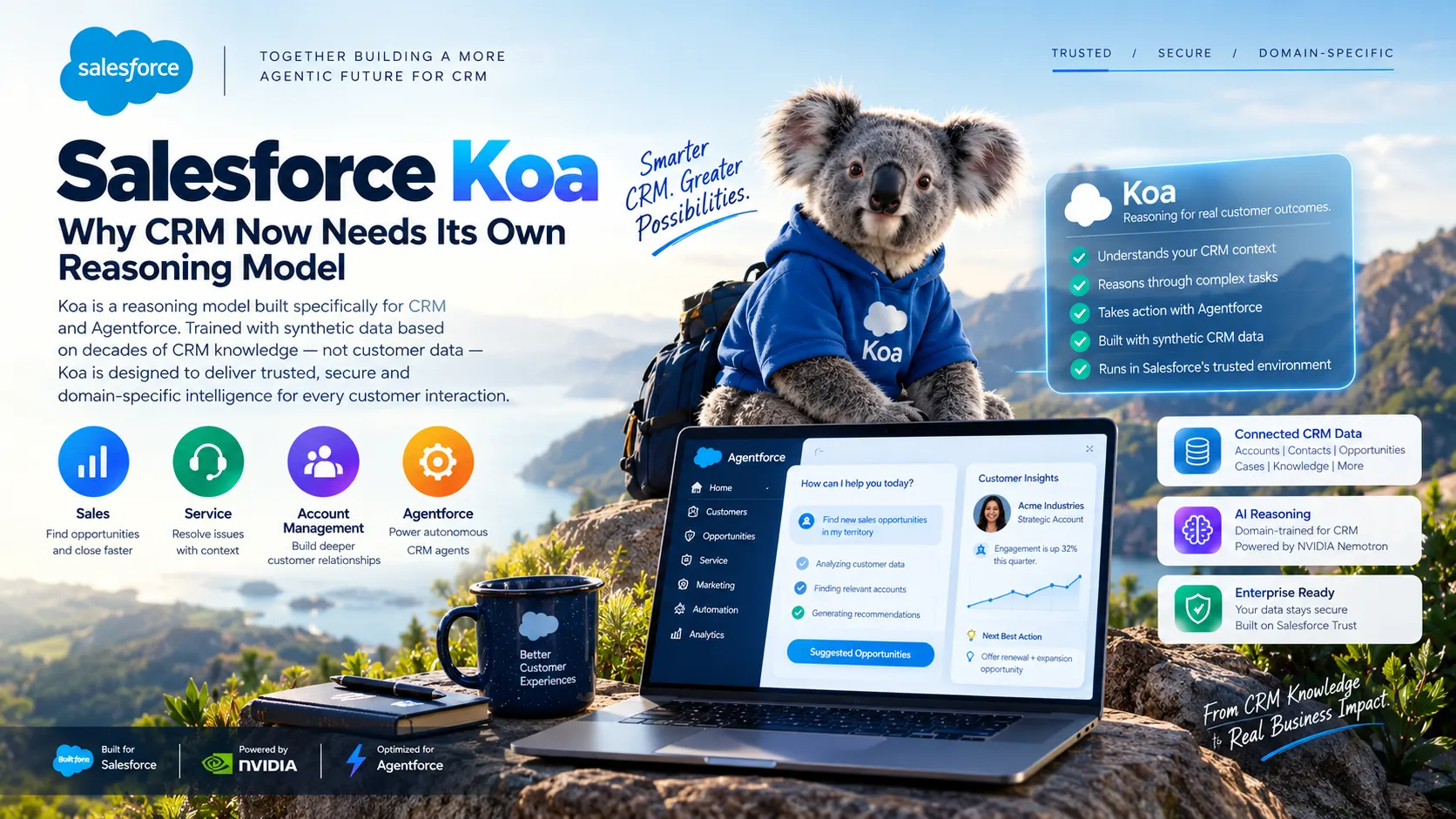
Einstein for Developers is Salesforce's native AI coding assistant, powered by CodeGen Salesforce's own open-source large language model family, built specifically for code understanding and generation and fine-tuned on Apex.
Salesforce documentation now positions this tooling as Agentforce Vibes: an AI-powered extension for VS Code and Code Builder offering:
- Apex and LWC code generation from natural language prompts
- Inline code completions as you type
- Code explanation (ask what a block of code does)
- Test case generation for Apex
- Multi-turn conversational coding assistance via xGen-Code, the newer model in the CodeGen family
Everything runs inside Salesforce's Einstein Trust Layer, meaning prompts and code stay within Salesforce's own security boundary. Customer data is not used to train the underlying LLMs. This is a genuine, important advantage for security-conscious organisations.
There is also ApexGuru, which uses CodeGen models to detect anti-patterns and performance issues in existing Apex code a static analysis tool, not a code-generation assistant.
Sources: Salesforce Agentforce Vibes docs | CodeGen research paper
Model transparency note: Agentforce Vibes operates on two tiers. The Pro tier runs on Claude Sonnet by Anthropic — not Salesforce’s own CodeGen. The Core tier defaults to a smaller general-purpose model. This is worth knowing when evaluating any AI-in-the-loop Salesforce workflow: even Salesforce’s own developer tooling routes its premium tier through a third-party LLM provider.
3. What Salesforce CodeGen Actually Does
CodeGen is not a product you buy separately. It is the foundational LLM research that Salesforce AI Research built and open-sourced, trained for code generation and multi-turn program synthesis.
The important distinction: CodeGen was designed for code generation in general, then fine-tuned on Apex and Salesforce-specific patterns to power Einstein for Developers. This fine-tuning is a real advantage for raw code-completion quality inside the IDE.
xGen-Code extends this into multi-turn conversational coding, allowing a developer to have a longer back-and-forth with the model about their implementation.
Defined Terms: Einstein for Developers = Salesforce original AI coding extension. Agentforce Vibes = Current-generation evolution of that tooling. CodeGen = Underlying open-source LLM by Salesforce AI Research. xGen-Code = Newer multi-turn model in the CodeGen family. ApexGuru = Static analysis tool using CodeGen for anti-pattern detection.
4. Why Code Completion Is Not the Same as Project Delivery
Einstein for Developers / Agentforce Vibes is a tool within a developer's workflow. It helps that developer write code faster once they already know:
- What the business actually needs (requirements are clear and gap-free)
- How the solution should be architected (data model, automation approach chosen)
- What the acceptance criteria are
- What the test strategy covers
- How to document what was built for handover
None of that is in scope for Agentforce Vibes. It is excellent at writing the code you already know how to design. Requirements analysis, architecture decisions, testing strategy, documentation, and delivery governance remain entirely on the developer or team around them.
Agentforce Vibes helps a developer write code faster. AI-accelerated delivery helps a business get a finished, tested, documented Salesforce solution faster.
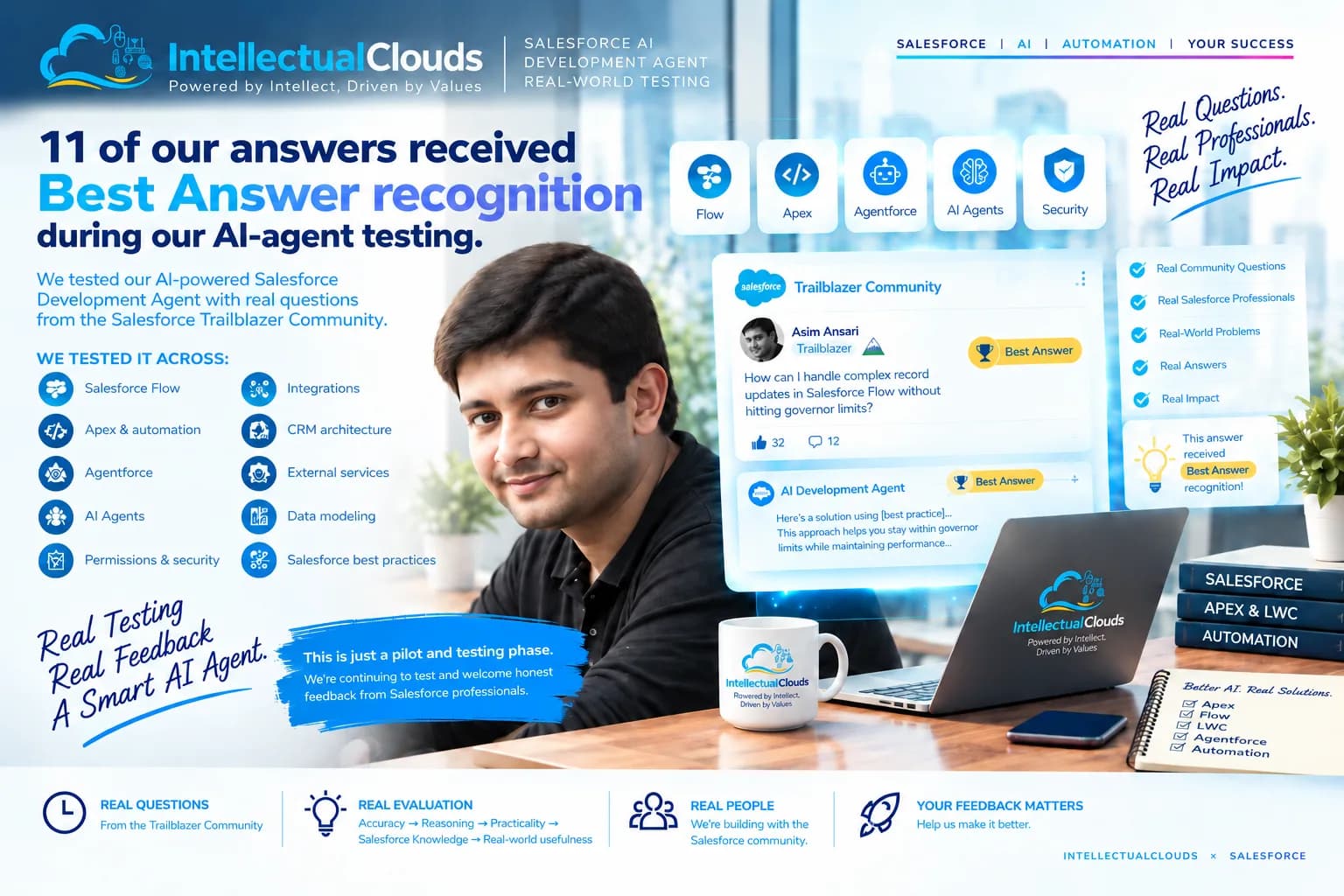
Related: How We Test Our Salesforce AI Development Agent Against Real-World Problems | Salesforce AI: CLI vs MCP vs Custom Actions for Agents
- Apex-specific fine-tuning: CodeGen trained on Salesforce-specific patterns, genuinely good at Apex syntax and LWC conventions.
- Native trust boundary: Prompts and code stay inside Salesforce Einstein Trust Layer a meaningful security advantage for enterprise orgs.
- IDE integration: Works where developers already work, no workflow disruption.
- Test case generation: Generating Apex test method scaffolds quickly.
- ApexGuru: Catching anti-patterns and governor limit risks early in static analysis.
- No requirements analysis: Does not read your BRD or SOW. Does not flag gaps before build begins.
- No architecture decisions: Does not tell you whether to use Flow vs Apex, or how to model your data structure.
- No delivery documentation: User Stories, Q/A Document, and Technical Implementation Document are not produced.
- No project governance: No sign-off workflow, no scope confirmation, no delivery accountability.
- No bug diagnosis: ApexGuru does static analysis only. It does not diagnose a production issue from logs.
- Developer dependency: Presupposes a qualified Salesforce developer using the tool.
7. The Full AI-Accelerated Delivery Lifecycle
Requirements Analysis: BRD, SOW and Task Sheet Review
Before a line of code is written, documents are cross-analyzed for missing requirements, contradictions, implied-but-unstated scope, and risk areas. A Requirements Clarification Document is produced and signed off before build begins.
Solution Design: Flow vs Apex vs LWC vs Integration
Data model changes, automation approach with rationale, LWC component breakdown, integration patterns, effort estimate, and delivery phasing. A Solution Summary is produced for client sign-off before implementation starts.
Apex is bulkified, governor-limit-aware, and CRUD/FLS-secure. Flows are named, versioned, and error-handled. LWC tested across browsers. All work done in sandbox production deployment only after review.
Testing: Test Cases, UAT, Apex Coverage and QA Docs
Apex test classes written to meaningful coverage. QA Document lists test cases with expected and actual results. UAT supported with structured test scripts. Regression testing after any change to existing functionality.
Documentation: User Stories, Technical Docs and Handover
User Stories with acceptance criteria. Technical Implementation Document covering what was built and how. Q/A Document covering what was tested and the results. All delivered as standard not billed as extras.
Bug Diagnosis: Evidence-First Root Cause Analysis
Reproduce in sandbox from documented steps. Collect debug logs and identify root cause from evidence. Implement fix in sandbox. Run regression tests. Deploy to production only after the fix is confirmed.
8. Side-by-Side Comparison
| Factor | Einstein / Agentforce Vibes | AI-Accelerated Delivery Workflow |
|---|
| Main purpose | Code assistance inside IDE | End-to-end Salesforce delivery |
| Best user | Salesforce developer | Business, consultant, delivery team |
| Works inside | VS Code / Code Builder | Full project lifecycle |
| Requirements analysis | Not covered | BRD/SOW/Task Sheet cross-analyzed |
| Architecture decisions | Left to the developer | Data model and automation approach proposed upfront |
| Documentation | Not generated | User Stories, Q/A Doc, Technical Doc included |
| Approval workflow | None | Explicit sign-off before implementation |
| Trust boundary | Native Salesforce Einstein Trust Layer | Third-party LLM secure, different boundary |
| Apex-syntax specialization | Fine-tuned specifically on Apex (CodeGen) | General-purpose LLM reasoning applied to delivery |
| Bug diagnosis | ApexGuru for static analysis only | Evidence-first root-cause, sandbox-verified |
| Best use case | Write code faster | Deliver a complete solution faster |
9. When to Use Einstein / Agentforce Vibes
Use Salesforce native AI tooling when a qualified Salesforce developer is working in VS Code or Code Builder and wants to write Apex or LWC faster, generate test scaffolding, or run static analysis with ApexGuru especially where data governance requires prompts to stay inside Salesforce's Einstein Trust Layer.
10. When to Use AI-Accelerated Delivery
Use an AI-accelerated delivery workflow when you have a BRD, SOW, or requirements that need to become a working Salesforce solution with requirements analysis, architecture, testing, documentation, and accountability for the outcome included.
11. Can You Use Both Together?
Yes. Agentforce Vibes operates inside the IDE on individual code files. An AI-accelerated delivery workflow operates at the project level: requirements, architecture, governance, and documentation. A developer can use both simultaneously without conflict. Using both means faster code at the line level and faster delivery at the project level.
12. Trust and Data Security: An Honest Note
Einstein for Developers / Agentforce Vibes runs inside Salesforce's Einstein Trust Layer. Customer data is not used to train the LLMs. Code and prompts stay within Salesforce's boundary a clear advantage for strict data residency requirements.
An AI-accelerated delivery workflow using a third-party LLM operates outside that boundary. Ask any delivery partner explicitly: what LLMs do you use, what data is sent to them, and what are their data retention and training policies?
13. Direct Answers for Key Scenarios
Is Einstein for Developers enough for a full Salesforce project?
No. Einstein for Developers (now Agentforce Vibes) helps a developer write Apex and LWC faster inside their IDE. It does not cover requirements analysis, architecture decisions, project documentation, QA, or delivery governance. A full Salesforce project requires all of those, regardless of how the code is written.
What is the difference between AI code completion and AI delivery workflow?
AI code completion (like Agentforce Vibes) helps a developer write code faster once they already know what to build and how. An AI delivery workflow operates at the project level: analyzing requirements, designing the solution, implementing, testing, documenting, and delivering a finished outcome. Code completion is a tool within a workflow; it is not the workflow itself.
Can Salesforce developers use Einstein and a third-party AI workflow together?
Yes. Agentforce Vibes operates at the IDE level. A third-party AI delivery workflow operates at the project level. A developer can use both simultaneously without conflict.
When should a business choose AI-accelerated Salesforce development?
When the goal is to get a BRD, SOW, or set of requirements turned into a finished, tested, documented Salesforce solution with requirements clarity, architecture, implementation, testing, documentation, and accountability for the outcome included.
14. FAQs
What is AI-accelerated Salesforce development?
AI-accelerated Salesforce development is a delivery model where AI assists across the full project lifecycle: requirements analysis, solution design, Apex/Flow/LWC implementation, sandbox testing, documentation, and bug resolution.
What is Einstein for Developers?
Salesforce's native AI coding assistant, powered by CodeGen LLM fine-tuned on Apex. Provides code completion, suggestions, explanations, and test case generation inside VS Code and Code Builder.
Is Einstein for Developers now Agentforce Vibes?
Yes. Salesforce documentation now positions Agentforce Vibes as the evolution of Einstein for Developers with Apex/LWC generation, inline completions, and conversational coding via xGen-Code.
What is Salesforce CodeGen?
An open-source LLM family by Salesforce AI Research for code generation. A version fine-tuned on Apex powers Einstein for Developers / Agentforce Vibes. xGen-Code is the newer multi-turn model.
Does Einstein for Developers write Apex code?
Yes. Generates Apex from natural language prompts, provides inline completions, explains code, and generates Apex test scaffolding inside VS Code and Code Builder.
Can Agentforce Vibes create test cases?
Yes, Apex test method scaffolding. It does not produce a full QA Document, User Stories, or structured testing plan.
Is code completion the same as Salesforce implementation?
No. Code completion helps write code faster. Implementation includes requirements, architecture, build, test, documentation, and delivery governance.
When should I use Salesforce native AI tools?
When a qualified Salesforce developer wants to write Apex or LWC faster, especially where data governance requires prompts to stay inside Salesforce's Einstein Trust Layer.
When should I use an AI-accelerated delivery partner?
When you need a BRD or SOW turned into a fully tested, documented Salesforce solution with requirements analysis, architecture, QA, and delivery accountability included.
Can Intellectual Clouds deliver AI-accelerated Salesforce projects?
Yes. Across Sales Cloud, Service Cloud, Experience Cloud, Financial Services Cloud, Pardot, Marketing Cloud, Commerce Cloud, Apex, Flow, and LWC. View our service.
15. The Honest Trade-off
Salesforce's CodeGen has a specific, real advantage: fine-tuned on Apex, runs natively inside Salesforce's trust boundary. For developers who want code completion that understands Salesforce-specific patterns, that specialization is genuinely useful.
A full AI-accelerated delivery workflow's advantage is everything around the code: the analysis of what to build, the judgment calls on architecture, the documentation, and accountability for a finished deliverable not just a code suggestion.
The right question is not "which AI is better." It is: "which problem am I actually trying to solve writing code faster, or getting a finished project delivered faster?"
Need AI-Accelerated Salesforce Delivery?
Intellectual Clouds helps businesses turn BRDs, SOWs and task sheets into tested, documented Salesforce solutions across Sales Cloud, Service Cloud, Experience Cloud, Marketing Cloud, Commerce Cloud, Pardot, Apex, Flow and LWC. Requirements analysis, architecture, implementation, QA, and full documentation included by default.
Related Reading
Last updated: July 2026. Salesforce AI tooling naming changes frequently; this article reflects current documentation as of the published date.