HomeBlogCustom AI Agents for Salesforce: How to Build, Govern, and Scale Them
Salesforce
Custom AI Agents for Salesforce: How to Build, Govern, and Scale Them
Asim Ansari
June 24, 2026
15 min read
Learn how custom AI agents for Salesforce work, where Agentforce fits, and how to design secure, useful agents for sales, service, and operations.
Direct Answer: Custom AI agents in Salesforce are not just smarter chatbots. They are workflow systems with a language interface: they read CRM context, decide what to do, and take controlled actions across sales, service, and operations. That sounds simple until you try it in a real enterprise. The moment an agent can touch records, trigger workflows, or talk to external systems, you are no longer building a demo. You are building a system that can save time, or create a very expensive mess.
If your Salesforce data is decent and your workflows are clear, custom AI agents can remove real operational friction. If either of those is broken, the agent will just automate chaos faster. Most content on this topic is either shallow hype or overly technical architecture notes with no business payoff. This guide provides the pragmatic enterprise playbook for building, governing, and scaling AI agents on the Salesforce platform.
What Are Custom AI Agents in Salesforce?
To understand how to build agents, you must first understand what they are not.
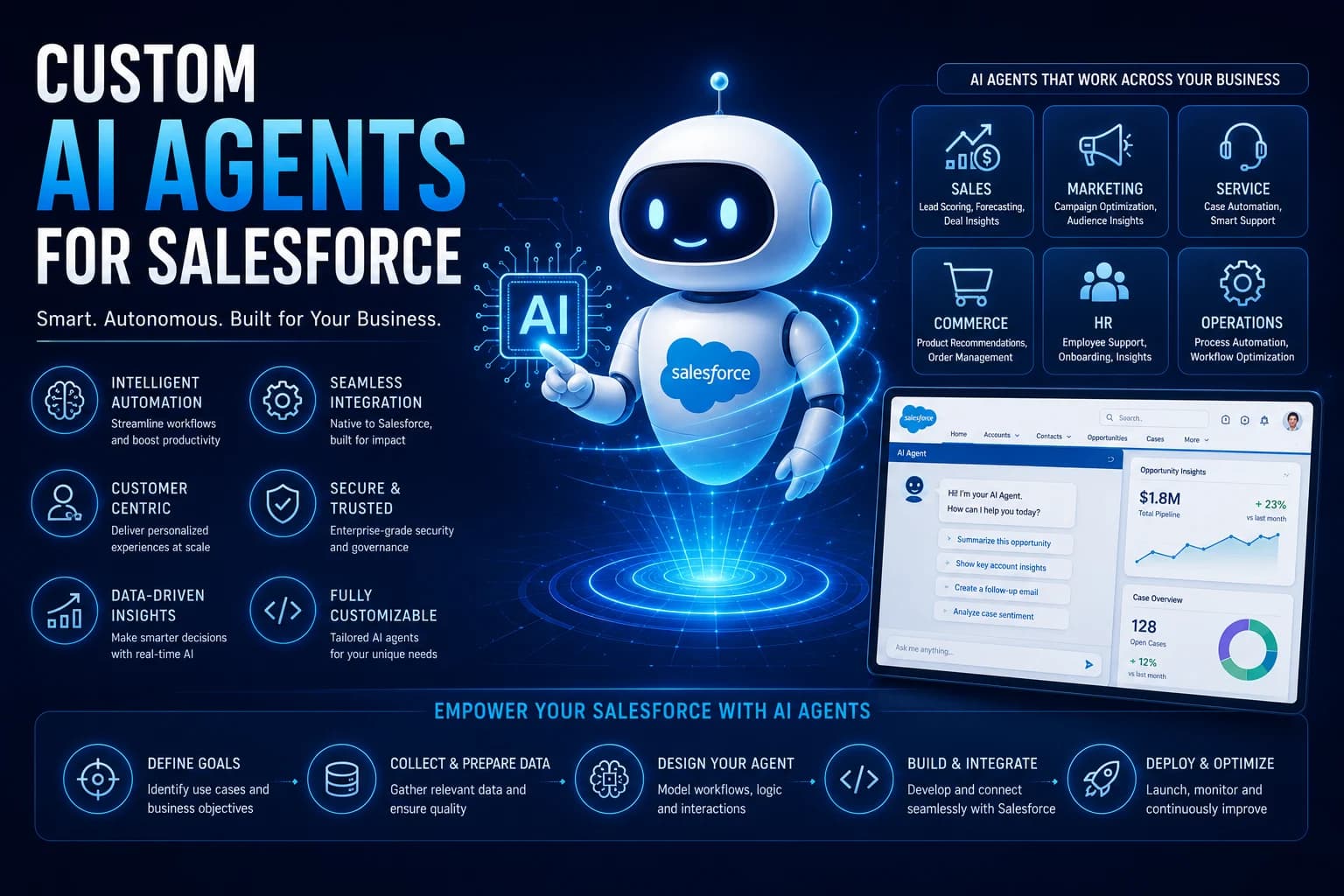
A custom AI agent is not a chatbot. A chatbot listens to a user prompt, retrieves text, and talks back. A custom AI agent is a goal-oriented worker. It interprets intent, retrieves strict operational context, reasons through a set of instructions, and takes controlled actions inside Salesforce and connected systems.
It is not a rule-based workflow, either. Traditional Salesforce Flow is deterministic: If X happens, do Y. An AI agent is probabilistic: The user wants to resolve a billing dispute; gather the invoice context, determine the correct policy, propose a credit, and ask for human approval.
Best thought of as "bounded autonomous workers," these agents do not replace humans; they replace the "swivel-chair" drudgery of clicking through five different screens to complete a routine task.
Why Salesforce Is a Natural Place to Build Agents
The broader tech ecosystem is flooded with generic agent frameworks. However, building an enterprise agent from scratch usually fails because it lacks context. Salesforce is the most natural home for enterprise-grade agents because it fundamentally solves the context problem before you even write a prompt.
It already holds customer context: The CRM houses the ground truth of the customer relationship—purchase history, open cases, account hierarchies.
It already powers workflows: Service and sales teams already work inside the platform daily.
It already has permissioning and object models: You do not have to invent a new security model; Salesforce's field-level security and sharing rules apply natively.
It connects to downstream systems: Through MuleSoft, Flow, and related tooling, Salesforce is already wired into the rest of your enterprise stack.
What Changed From Copilots to Agents
The market has moved past generic copilots. Since the evolution from the original Agentforce launch in 2024 to Agentforce 2.0, Agentforce 360, and dedicated contact-center tooling in 2025 and 2026, the paradigm has shifted from suggestion to execution.
Capability
Copilot
Custom AI Agent
Primary Job
Suggest and draft
Execute and resolve
Context
Limited to the immediate screen
Deep CRM + operational data graphs
Actions
Minimal (write email, summarize)
Multi-step workflows across systems
Risk Profile
Lower
Higher, requires strict guardrails
Best For
Drafting, summarizing, brainstorming
Resolution, routing, complex follow-up
The Reference Architecture for a Salesforce AI Agent
Building an agent that doesn't hallucinate requires a highly structured architecture. You cannot simply plug an LLM API key into Salesforce and hope for the best.
graph TD
    A[User Channel<br>Slack, Web Chat, Voice, CRM] -->|Intent| B(Agent Interface)
    B --> C{Reasoning Engine<br>Agentforce / Atlas}
    C <-->|Retrieve Context| D[(Trusted Data Layer<br>Data Cloud, Objects, Files)]
    C -->|Execute| E[Action Layer<br>Flow, Apex, MuleSoft]
    E --> F[Audit & Analytics<br>Logging & Governance]

    classDef input fill:#f06529,stroke:#fff,stroke-width:2px,color:#fff;
    classDef reason fill:#00a1e0,stroke:#fff,stroke-width:2px,color:#fff;
    classDef data fill:#10a37f,stroke:#fff,stroke-width:2px,color:#fff;
    classDef action fill:#9c27b0,stroke:#fff,stroke-width:2px,color:#fff;

    class A,B input;
    class C reason;
    class D data;
    class E,F action;
Architectural Components:
Input Channels: Where the work originates (Salesforce UI, Slack, Web Chat, Voice integrations).
Context Layer: The ground truth (CRM records, Knowledge Base, Data Cloud/Data 360, case history).
Reasoning Layer: The brain (Agentforce or custom Atlas-style reasoning engines) that decides what to do next based on the prompt and context.
Action Layer: The hands (Salesforce Flow, Apex, MuleSoft, external APIs) that actually execute the work.
Governance Layer: The safety net (Permissions, logging, policy enforcement, escalation rules).
Measurement Layer: The ROI calculator (Completion rates, CSAT, time saved).
High-Value Use Cases by Team
To prove ROI, do not build a general-purpose agent. Build a highly specific agent for a highly specific team.
Sales
Lead Qualification: Agents engaging inbound leads, scoring them based on historical CRM data, and booking meetings automatically.
Meeting Prep & Summaries: Synthesizing the last 12 months of account history into a 3-bullet prep sheet before a call, and automating the follow-up email after.
CRM Hygiene: Automatically updating Opportunity stages based on email sentiment analysis and logging missing contact data.
Service
Case Triage & Routing: Analyzing incoming tickets, categorizing them, and assigning them to the correct queue instantly.
First-Response Automation: Handling tier-1 requests (password resets, order tracking) end-to-end without human intervention.
Escalation Routing: Summarizing complex, angry customer interactions and passing a concise brief to a Tier-3 human agent.
Operations and Revenue Ops
Pipeline Summaries: Generating weekly forecast reports identifying deal risks based on stalled communications.
Duplicate Detection: Finding and merging complex duplicate records that simple deterministic rules miss.
Internal Request Handling: Allowing employees to ask Slack "What is the status of Order #123?" and having the agent securely query Salesforce and reply.
Public Sector / Regulated Workflows
Structured Intake: Assisting citizens with complex form applications while ensuring strict compliance checks.
Assisted Review: Reading large case files and highlighting policy violations for a human reviewer to verify.
How to Build a Custom Agent in Salesforce
Do not attempt a "big bang" release. Use this pragmatic 7-step method to build safely:
Start with one workflow, not a whole department: Pick a process that is highly repetitive and well-documented.
Define a measurable outcome: Determine exactly how you will measure success (e.g., "Reduce average handling time on billing tickets by 30%").
Map the trusted data sources: Ensure the data the agent needs is clean, centralized, and accessible via Data Cloud or standard objects.
Limit the agent's allowed actions: Give the agent access only to the specific Flows or Apex classes required for that single workflow.
Add human handoff rules: Define the exact failure threshold where the agent must stop and escalate to a human.
Test with real cases and edge cases: Run the agent in a sandbox against your messiest, most confusing historical data.
Monitor performance and revise weekly: Launch it, monitor the audit logs daily, and tweak the reasoning prompts weekly during the first month.
The Guardrails That Keep the Agent From Becoming a Liability
In enterprise AI, infrastructure metrics like latency are not enough. You need strict governance. A 2025 arXiv study on "zero data retention in enterprise assistants" highlighted the massive compliance trade-offs of poorly governed AI. Guardrails are non-negotiable.
Least Privilege Access: The agent should only have the permissions necessary to complete its specific task. It should never run as a "System Administrator."
Human Approval for Sensitive Actions: If an agent decides to issue a refund over $500, that action must pause and route to a human manager for a single-click approval.
Audit Logs for Every Step: Every decision the reasoning engine makes must be logged in Salesforce for compliance and debugging.
Data Freshness Checks: The agent must verify that the context it is using is current, not based on an outdated cached record.
Red-Team Testing: Actively try to break your agent. Use prompt injection techniques to see if you can trick the agent into revealing other customers' data or bypassing approval flows.
Common Failure Modes
Understanding why agents fail makes this technology real. Here is what usually goes wrong:
The data is messy: If your CRM is full of duplicates and outdated fields, the agent hallucinates around the missing context.
The workflow is unclear: If a human process is undocumented and chaotic, the agent will just automate that chaos, essentially becoming a fancy but useless chatbot.
Too many actions are exposed: Giving an agent access to 50 different Flows confuses the reasoning engine, breaking governance and leading to unpredictable actions.
Success is measured by token cost: Evaluating the agent based on IT cost metrics instead of business outcome metrics (like case deflection).
No one owns tuning after launch: Agents drift. If there is no dedicated owner reviewing escalations and refining prompts post-launch, the agent degrades.
How to Measure ROI
A 2026 Salesforce production study on compound AI systems reported up to 3.9x throughput and 30-40% cost savings. But how do you prove that internally? Use metrics that business leaders understand:
Case Deflection Rate: Percentage of incoming requests resolved without human touch.
First-Contact Resolution: Rate of issues solved immediately by the agent.
Average Handling Time: Reduction in time spent by human agents on escalated cases (because the AI provided a brilliant summary).
Pipeline Hygiene: Decrease in the number of stalled or data-poor opportunities.
Cost Per Resolution: The infrastructure cost of the agent versus the human labor cost of the same task.
Task Completion Rate: The percentage of times the agent successfully navigated its workflow without an error.
When NOT to Use an Agent
Trust is built by knowing when to say no. Do not use a custom AI agent when:
The process is already deterministic and simple: If a standard Salesforce Flow or Apex trigger does the job perfectly, an AI agent is an expensive, overly complex replacement.
The data is too incomplete to trust: If humans already struggle to find the right information, an LLM will struggle more.
The action is high-risk and cannot be guarded: Highly sensitive compliance or legal decisions should not be fully autonomous.
The use case has no clear KPI: If you cannot measure success, do not build it.
Deploy Enterprise AI Safely
Want us to design a Salesforce AI agent that actually fits your data and workflows? We can help map the use case, architecture, and rollout plan without creating a liability.
The right Salesforce AI agent is not the one with the most impressive demo. It is the one that reliably completes a real business task, stays inside policy, and makes the team faster without creating a support burden of its own.
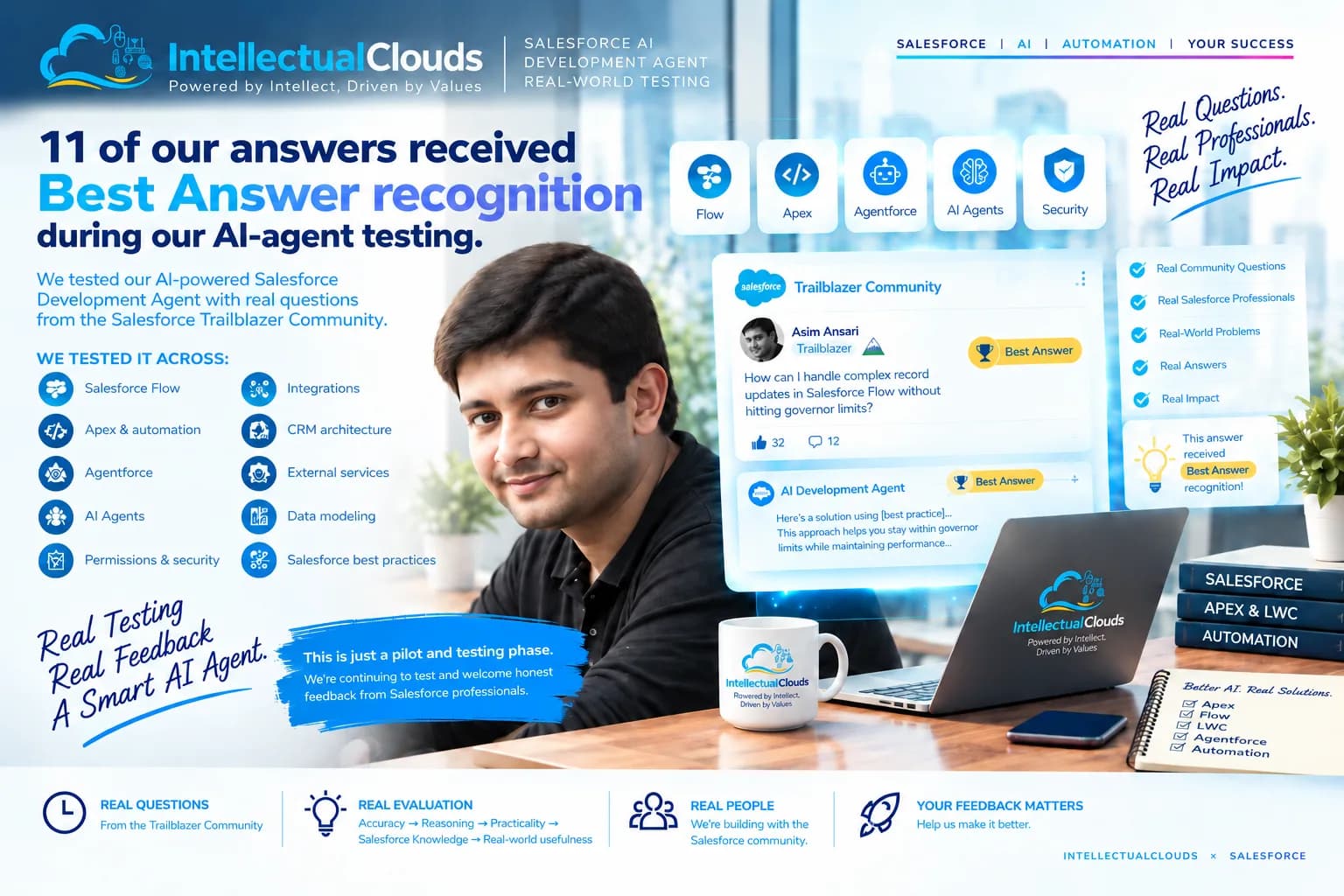
If you treat the agent like a workflow product instead of a chatbot trick, the ROI conversation gets much easier. Focus on trusted data, bounded autonomy, and relentless measurement. See our empirical evaluation methodology in How We Test Our Salesforce AI Development Agent Against Real-World Problems.
Frequently Asked Questions
What is a custom AI agent in Salesforce?
A custom AI agent in Salesforce is a goal-driven assistant that can use CRM context, retrieve trusted data, and take actions within defined guardrails.
Is an AI agent the same as a chatbot?
No. A chatbot talks. An agent talks and does work. It executes multi-step workflows based on reasoning.
Do I need Agentforce to build one?
For Salesforce-native deployments, Agentforce is the natural starting point. But the real design challenge is still the same: data, actions, permissions, and measurement.
What Salesforce tools matter most for agents?
Typically the stack includes CRM data, Data 360/Data Cloud, Flow, MuleSoft, Slack integration, and the agent builder/reasoning layer.
What is the biggest risk?
Agents with access to bad data and too many permissions can create faster mistakes, not better outcomes. Governance and guardrails are mandatory.
Asim Ansari is the Founder of Intellectual Clouds and a Certified Salesforce Administrator and Pardot Specialist with 17+ years of experience across Salesforce CRM, AI automation, cloud infrastructure (AWS), and digital transformation. He writes on AI agents, Salesforce delivery, Answer Engine Optimisation (AEO), and AI-accelerated business operations.